


How Does SOVA Work?
Runs locally on your device, all in real time.
01 Detection
SOVA watches your video call and picks up on facial expressions, hand gestures, and body language.
02 Analysis
It listens to the conversation and analyzes it with the non-verbal cues for context.
03 Feedback
A short, natural, and contextual description is generated and spoken aloud.
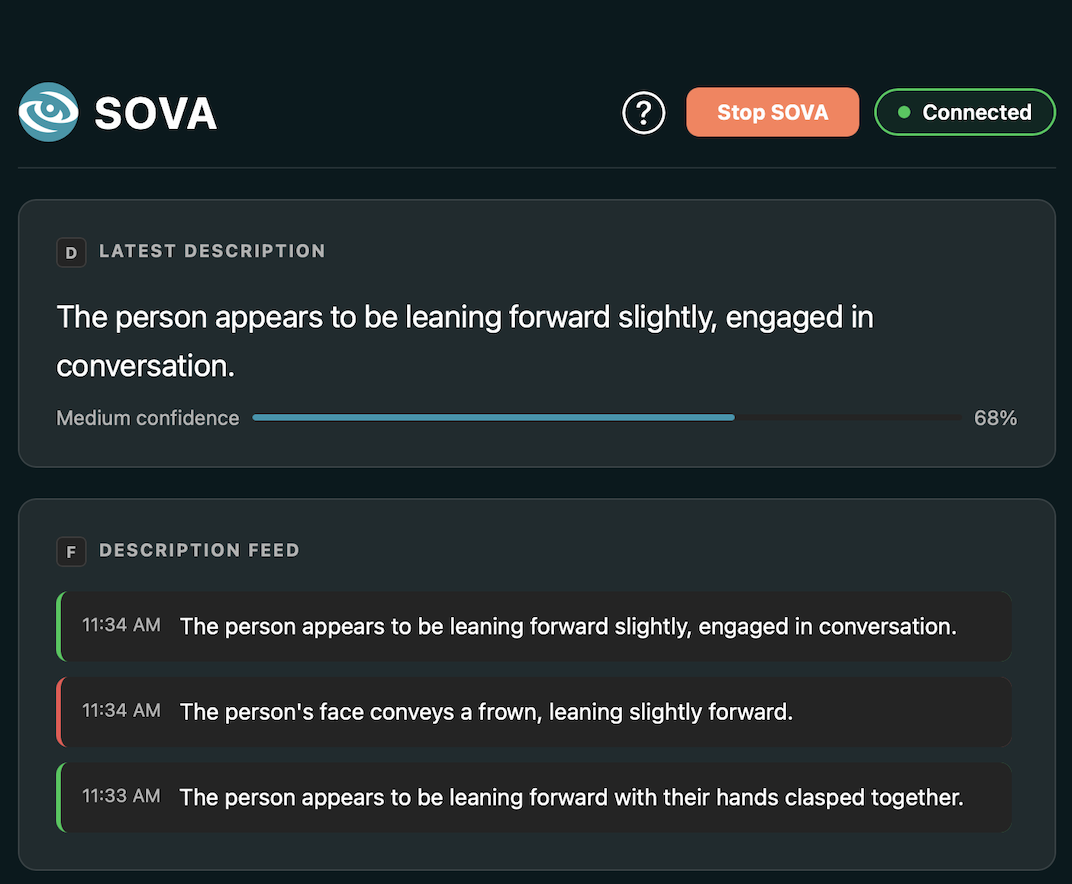
Accessibility-focused desktop app
Simple and easy to navigate using keyboard shortcuts or a mouse.
Adjust your language, audio, and detection settings, and watch live descriptions appear in real time as your call happens.
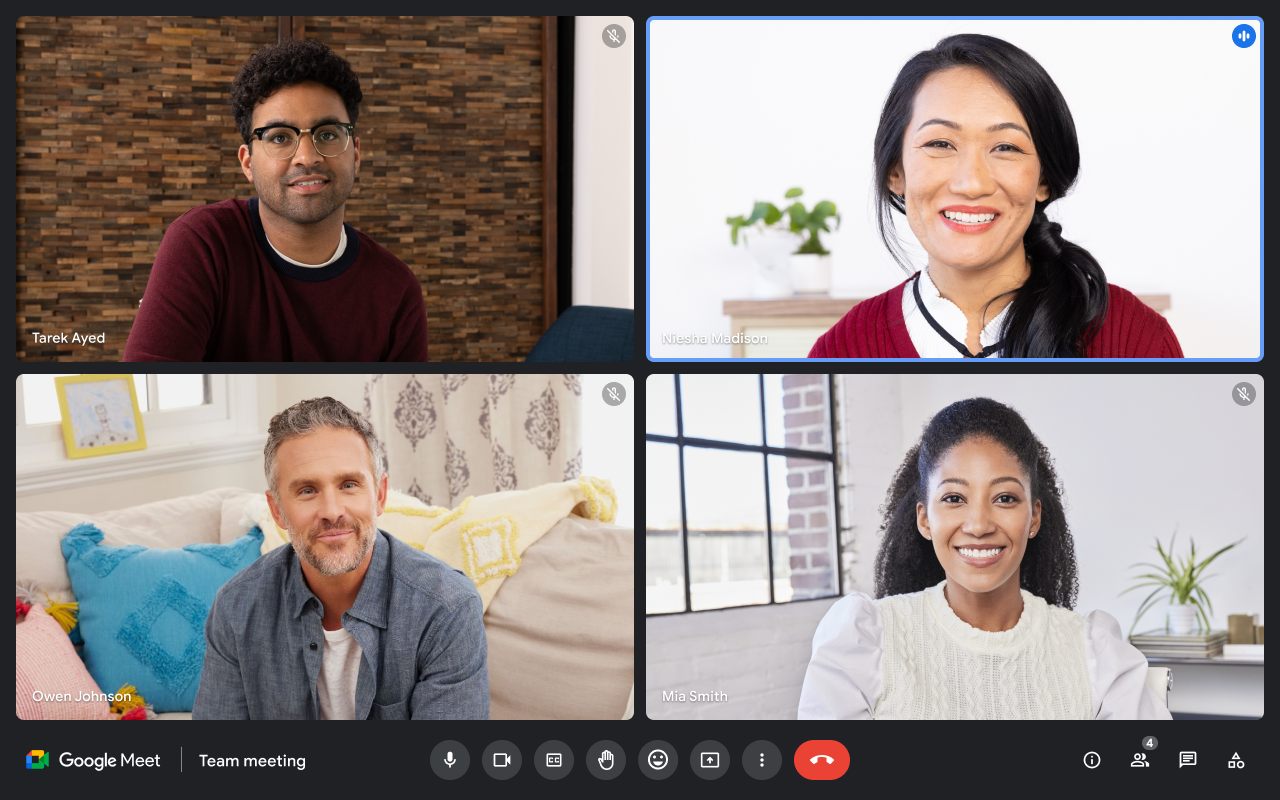
Google Meet integration
Connects directly to Google Meet through a lightweight Chrome extension.
Tweak your settings and see live descriptions without ever leaving the meeting.
Meet the Team
Team Luminara
We're a team of university students building SOVA as our final capstone project — but our goal is to take it even further than that. We want to bring the human element back into video communication by making non-verbal cues just as understandable as the words being spoken.
Aagna Samhita
ML Developer
Samia Khan
Frontend Developer
Sofia Francisco
Integration Engineer
Anelle Khare
Preprocessing Engineer
Sandra Jose
UX Engineer
Sanura Castellino
Testing & QA
Sara Hayel
Backend Developer
FAQ
Yes, SOVA runs normally if you do not have Ollama installed on your device. Although it is optional, we recommend you install it for more accurate and contextual descriptions. Without Ollama, descriptions will use a pre-made fallback template that may not capture the full context of the situation.
Anyone can use SOVA! Our main target audience are visually impaired users (such as those with blindness or low vision). Users who would find it beneficial to have non-verbal cues described to them are encouraged to try it out and share their feedback with us.
No. SOVA processes everything locally on your device in real time and does not store, record, or transmit any video or audio data.
Currently, SOVA is integrated with Google Meet using an extension. You can use SOVA with other video conferencing platforms, but we're working on making it a more seamless experience.
Yes. SOVA captures your screen for analysis, so your meeting needs to be visible on your screen for it to work.